Fix green water
Water often looks green in FlightGear. There are two separate causes. overlay_einrichten.py fixes both in the overlay. The article describes the search: Grünes Wasser in FlightGear (German).
Green lakes
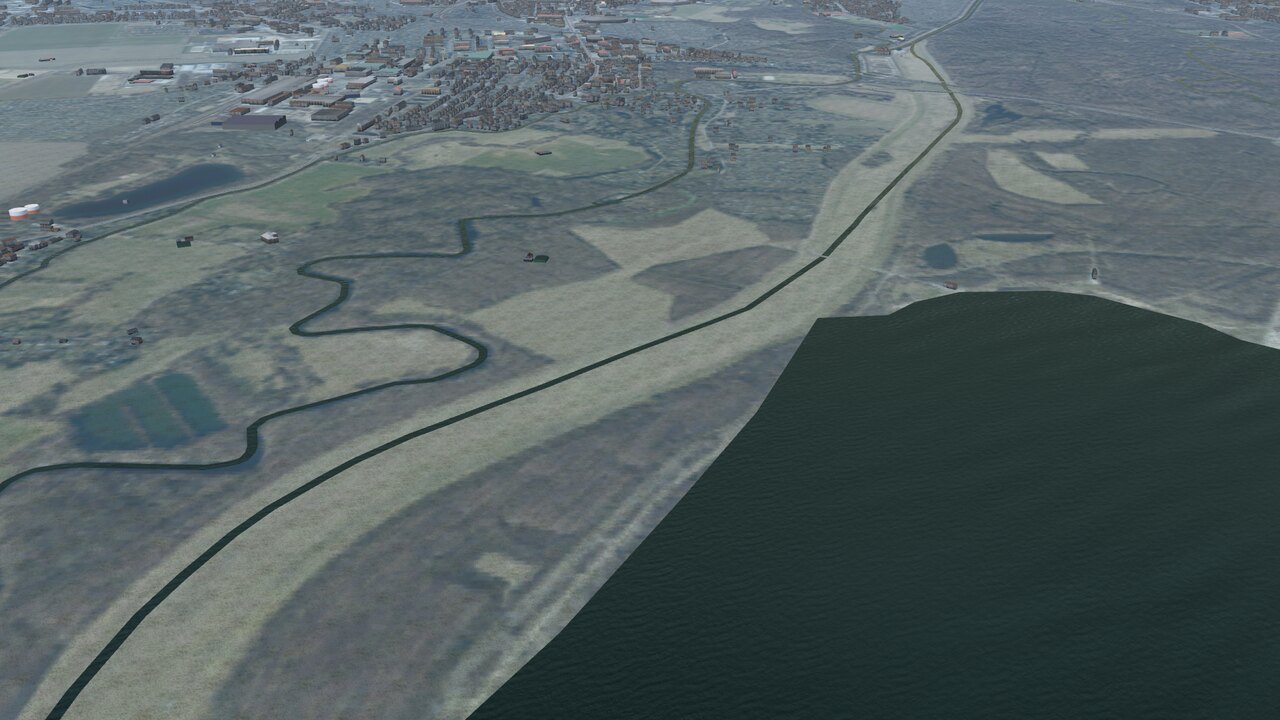
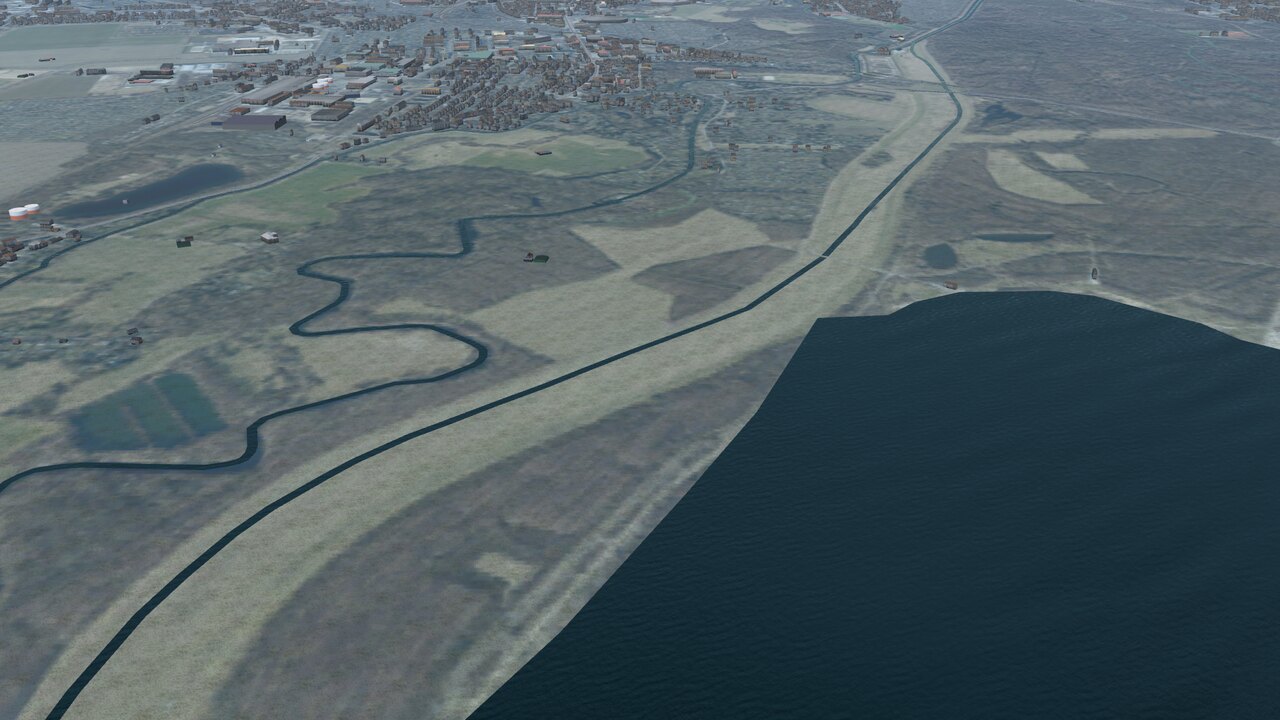
The shader mixes shallow water with a ground color from a coarse world map. Small lakes apparently sit on land in that map, so they turn green. Inland water uses Effects/water-inland.eff, and there you can set a fixed depth:
<use_specified_water_shallowness type="int">1</use_specified_water_shallowness>
<water_shallowness type="float">0.3</water_shallowness>
At 0.3 the ground color disappears completely, while the brightness stays at full.
Green at low sun
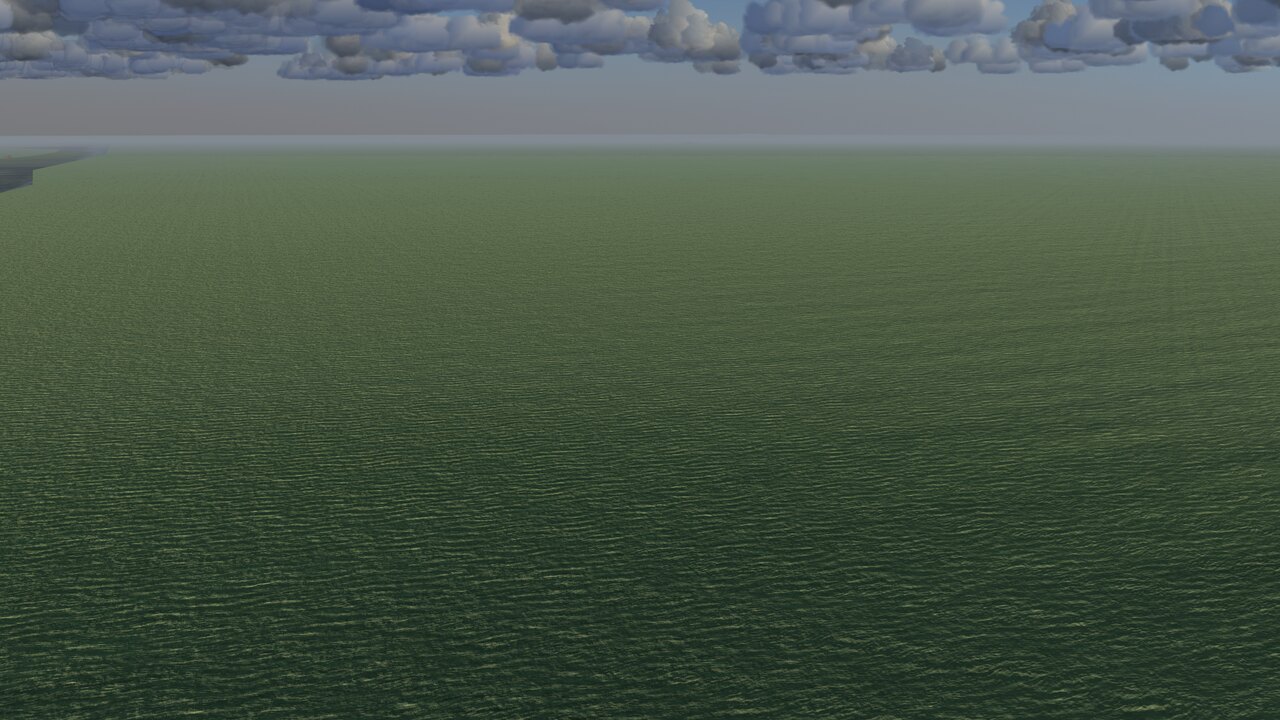
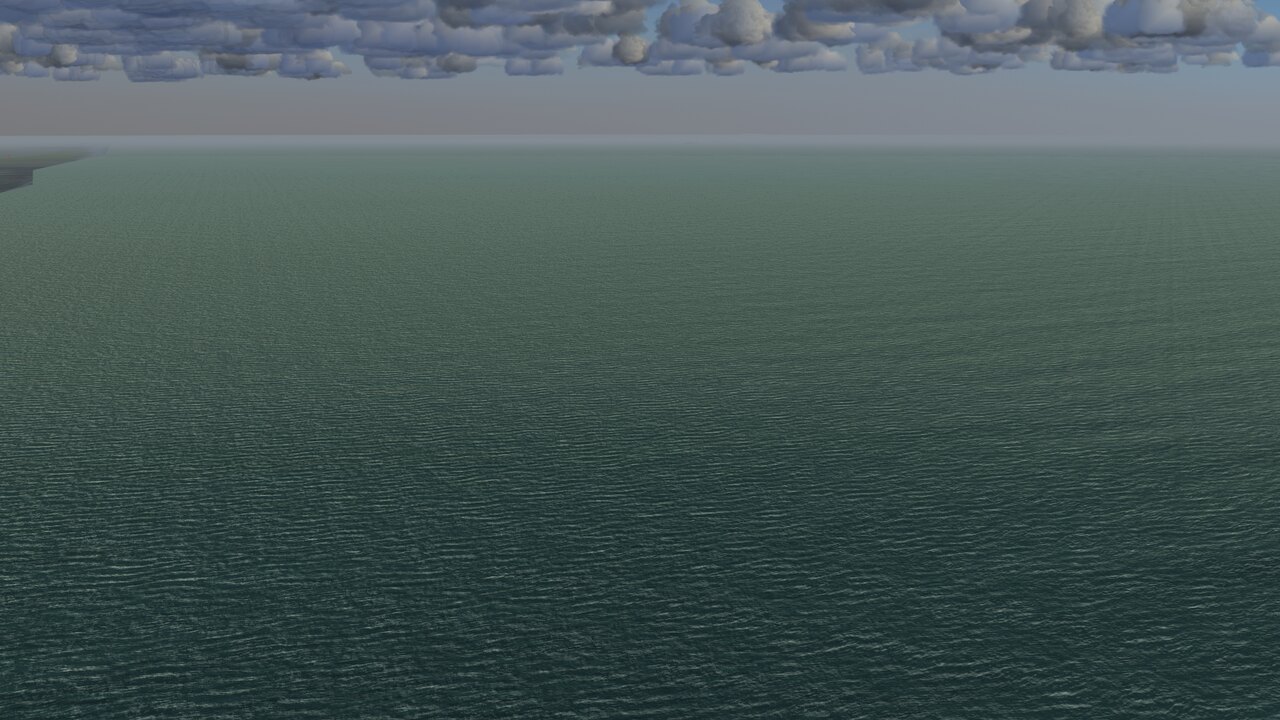
The shader computes the light per color channel, and at low sun blue drops first. The water color 0.148 / 0.27 / 0.3 contains hardly any red. Multiplied, mostly green remains. So Shaders/water-ALS-high.frag makes the light more neutral before the multiplication:
float light_helligkeit = dot(ambient_light.rgb, vec3(0.3, 0.59, 0.11));
ambient_light.rgb = mix(ambient_light.rgb, vec3(light_helligkeit), 0.7);
The value 0.7 is the share; with 1.0 the light on the water would be fully neutral. At midday nothing visibly changes, because the light is almost neutral there anyway.
Note
The patch applies to the shader water-ALS-high, used by the high-quality preset. I checked it in still images. In the evening the water also looks a little less warm because of it.